Authentication by eIDAS Certificate - Connection
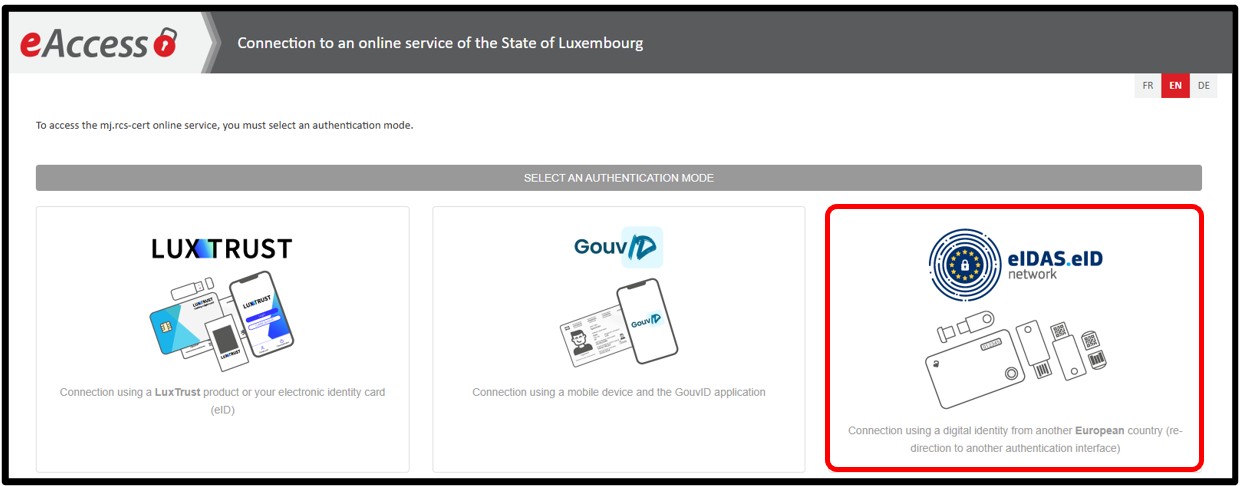
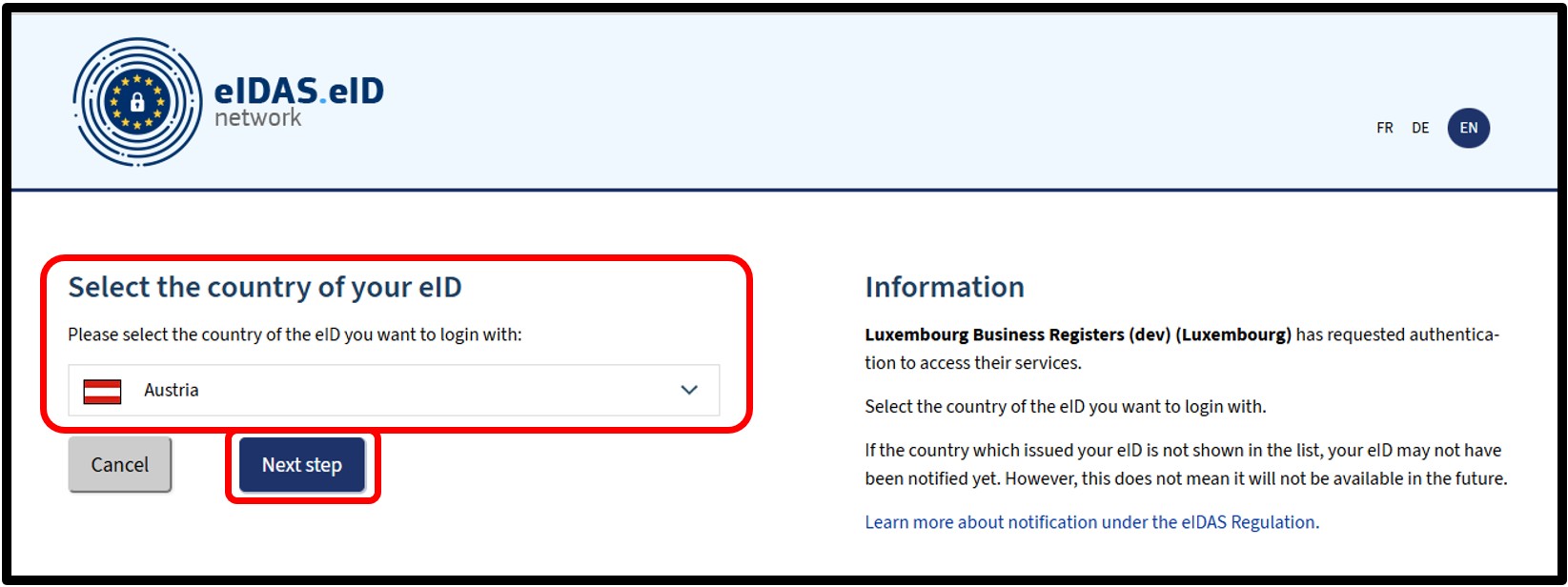
After selecting the eIDAS authentication mode, the user has to select the country associated with their eIDAS certificate that they wish to use for connection from a drop-down list.
The user will then be directed to a page relating to the chosen country and will have to follow the instructions given.
If the certificate used is linked to several LBR accounts, the user is first redirected to the Account Selection page where they will have to indicate the user account to be used.
Once the user account has been selected, the user accesses the website's home page or, if the authentication follows an action requiring authentication, the requested page.
Useful information
First connection with an eIDAS certificate - Account creation
The creation of a new user account via authentication by eIDAS certificate is done automatically during the first connection, if the chosen certificate has not yet been used on the LBR website.
Create an account
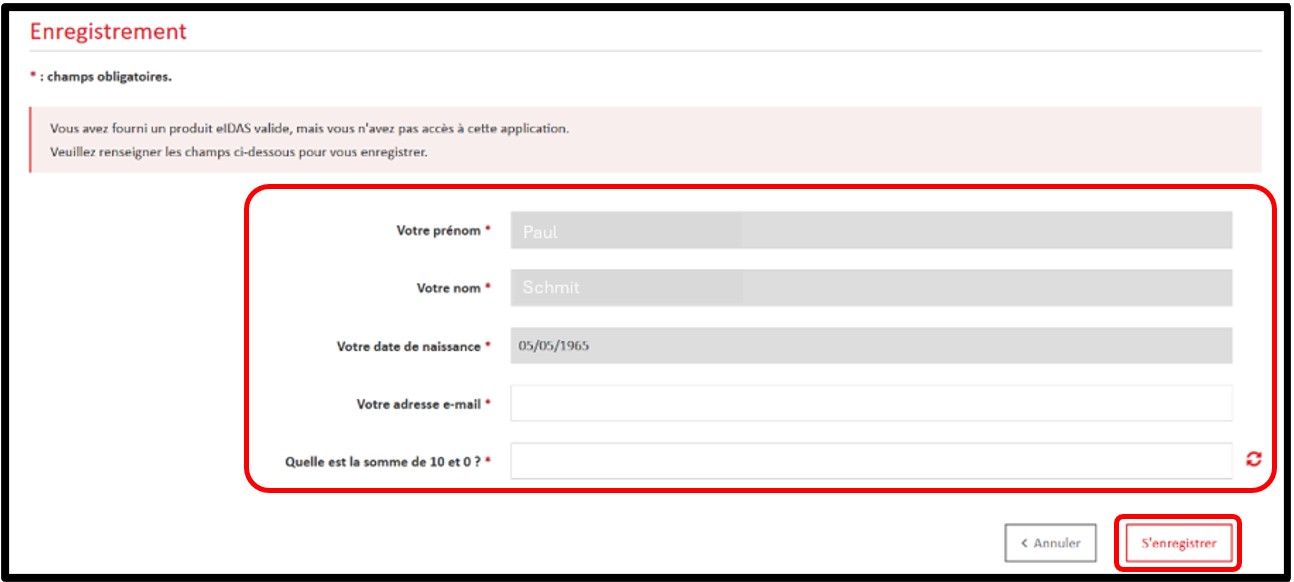
Following authentication by eIDAS certificate, the user is asked to:
- Enter their personal details
- Enter their email address
- Answer a security question to prove that they are not a robot
After entering the requested information, the user can proceed with the account creation request by clicking on the Register button.
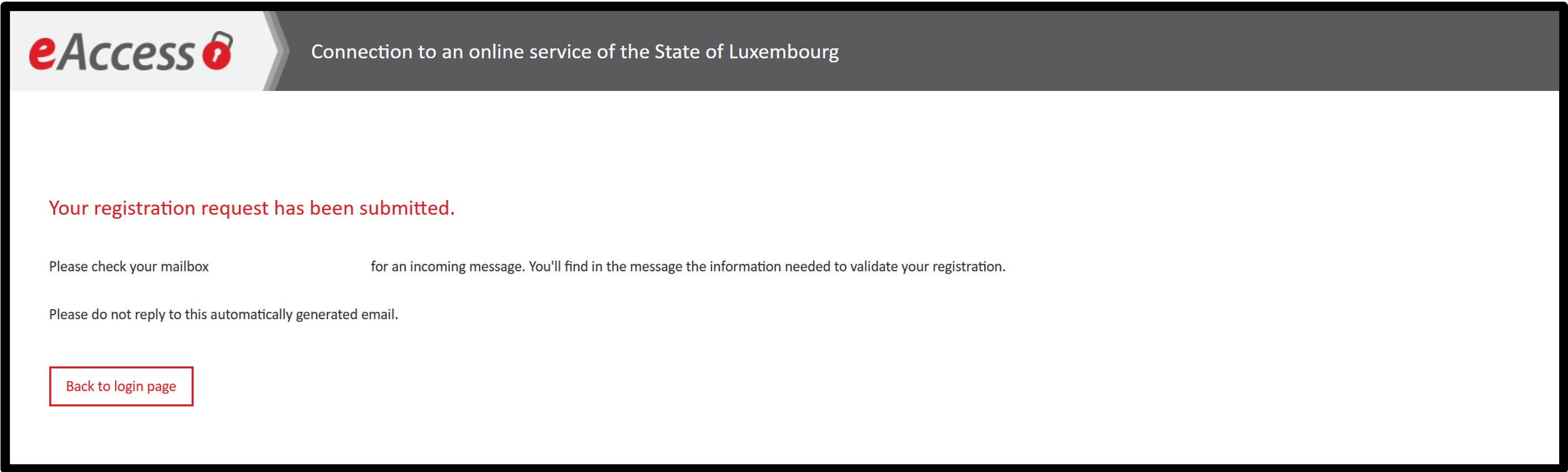
A page will confirm that the registration request has been processed. The user is invited to consult their mailbox for the registration confirmation email.
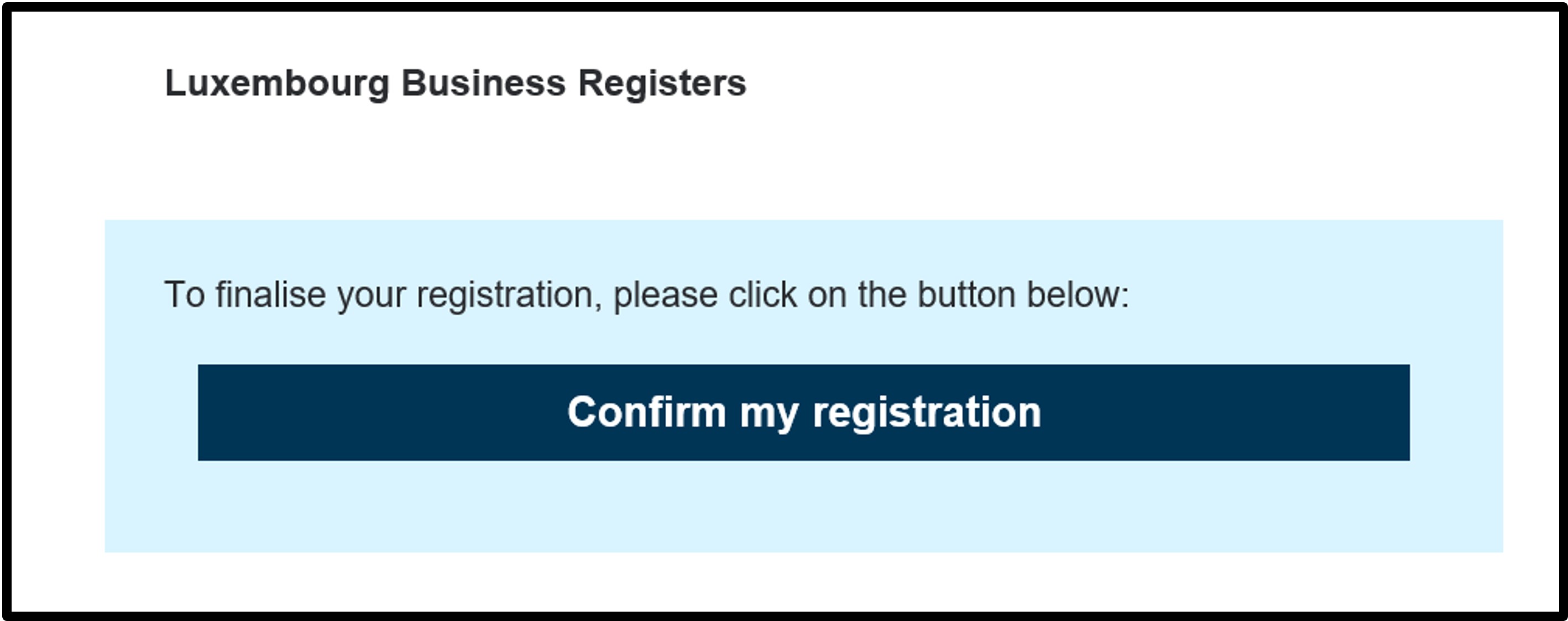
Once the registration request has been sent, the user has to access their email inbox using the address provided on the request form. In the request confirmation email, the user validates their registration by clicking on the Confirm my registration link and then following the instructions on the page.
Once the registration has been confirmed, the user is redirected to a page setting out the conditions of use of the CTIE websites, which they have to accept in order to activate their new account.
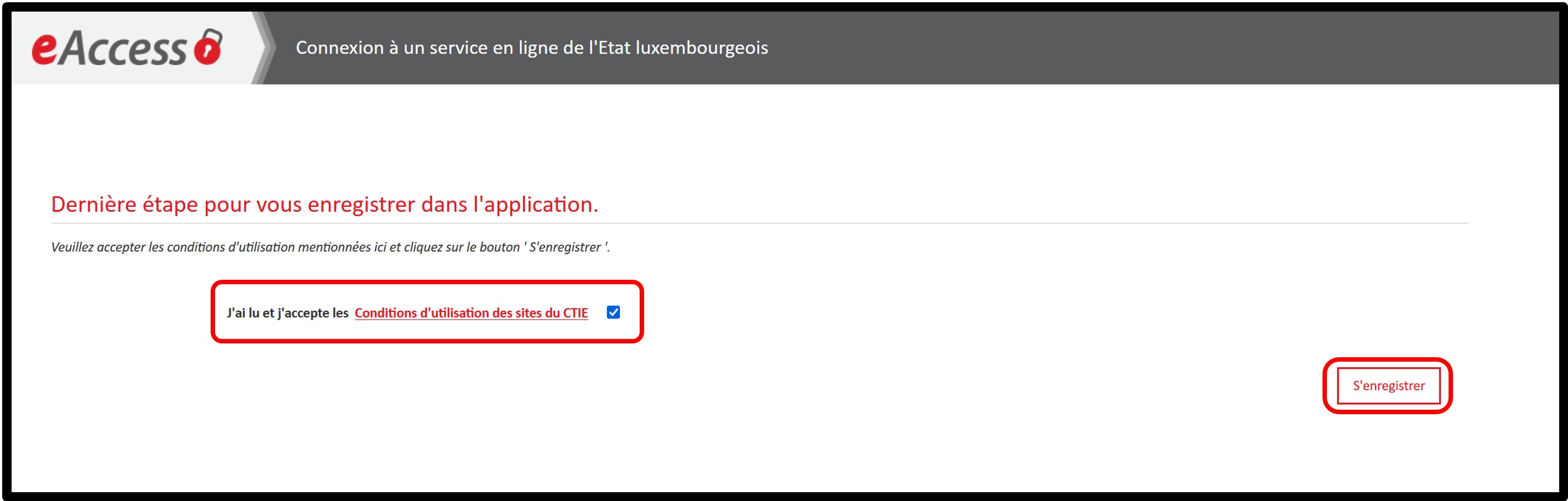
The account can only be activated if the user accepts the conditions of use of the CTIE websites presented on this page by checking the corresponding box. The account will be activated when the user clicks on the Register button.
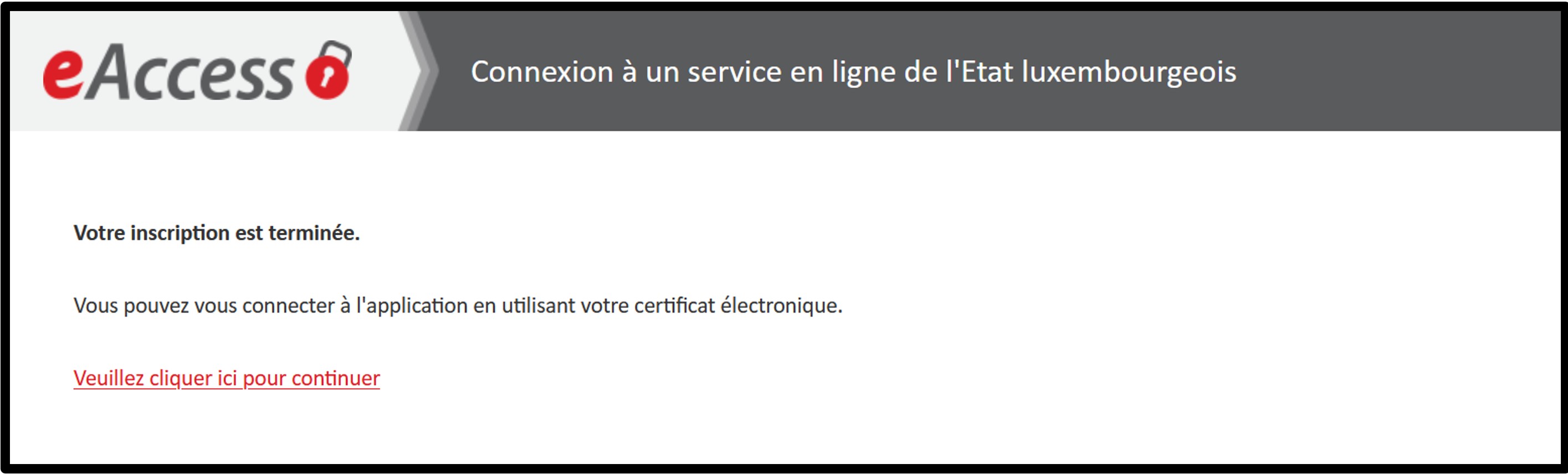
A final page will be displayed to indicate that the operation has been successful. The user is invited to click on the link Please click here to continue, which will take them back to the homepage.
The first time the user logs in, or when the general terms and conditions are modified by LBR, the user will be redirected to a page where they will be asked to accept the LBR general terms and conditions.
The user simply has to check the box I have read and accept the general terms and conditions of the LBR. After accepting the general terms and conditions, the user accesses the website's home page or, if the authentication follows an action requiring authentication, the requested page.