1) How to initiate a consulation?
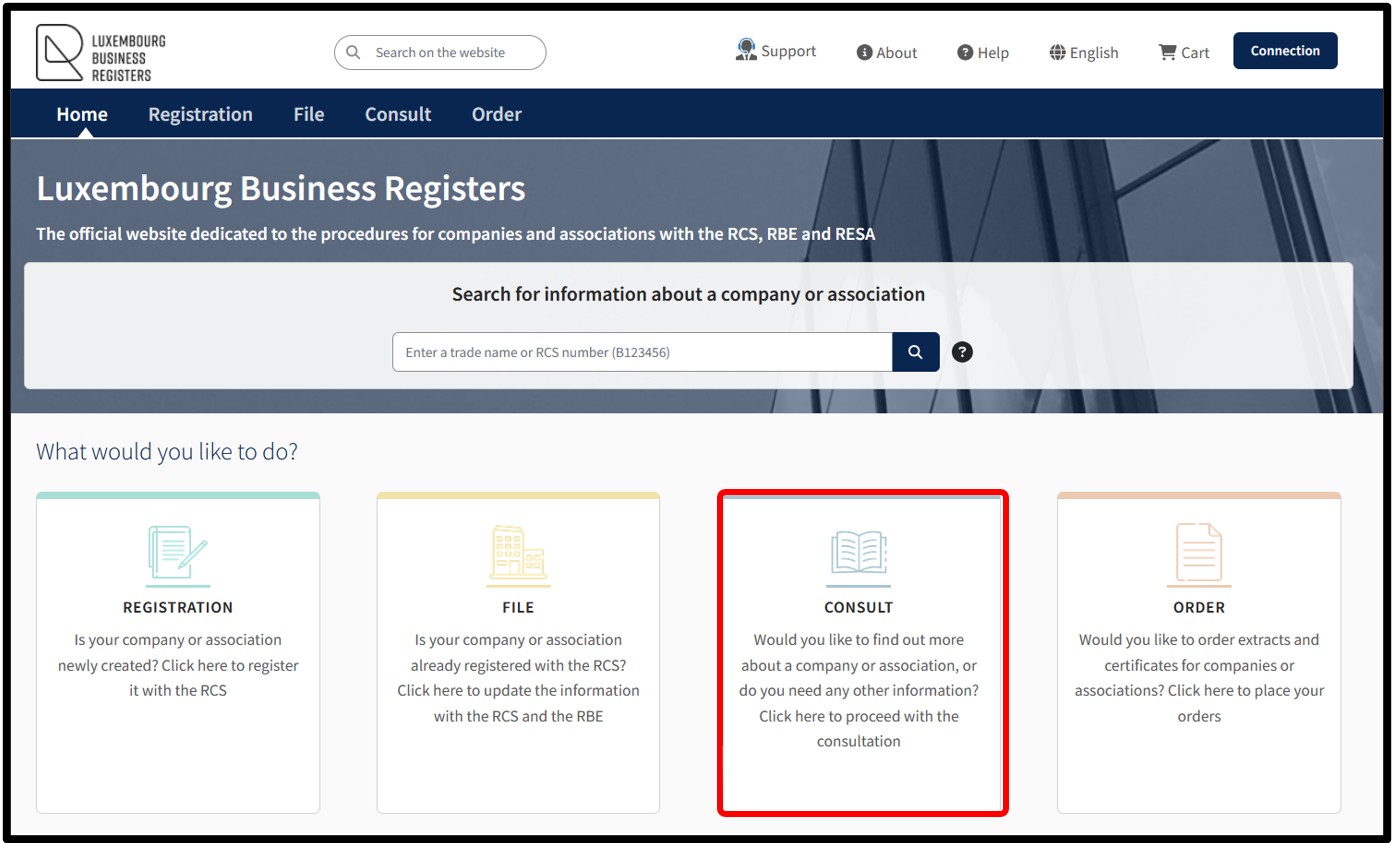
By accessing the LBR home page, the user can, by clicking on the Consult tile:
- Search and consult the RCS / RBE file of a registered entity as well as
- Consult the public data entered in the Recueil Électronique des Sociétés et Associations (RESA) and the Register of Insolvency (REGINSOL)
This service also allows the user to
- Consult statistics
- Consult the list of FIAR
- Consult the applicable legislation in force, the circulars published by LBR and case law
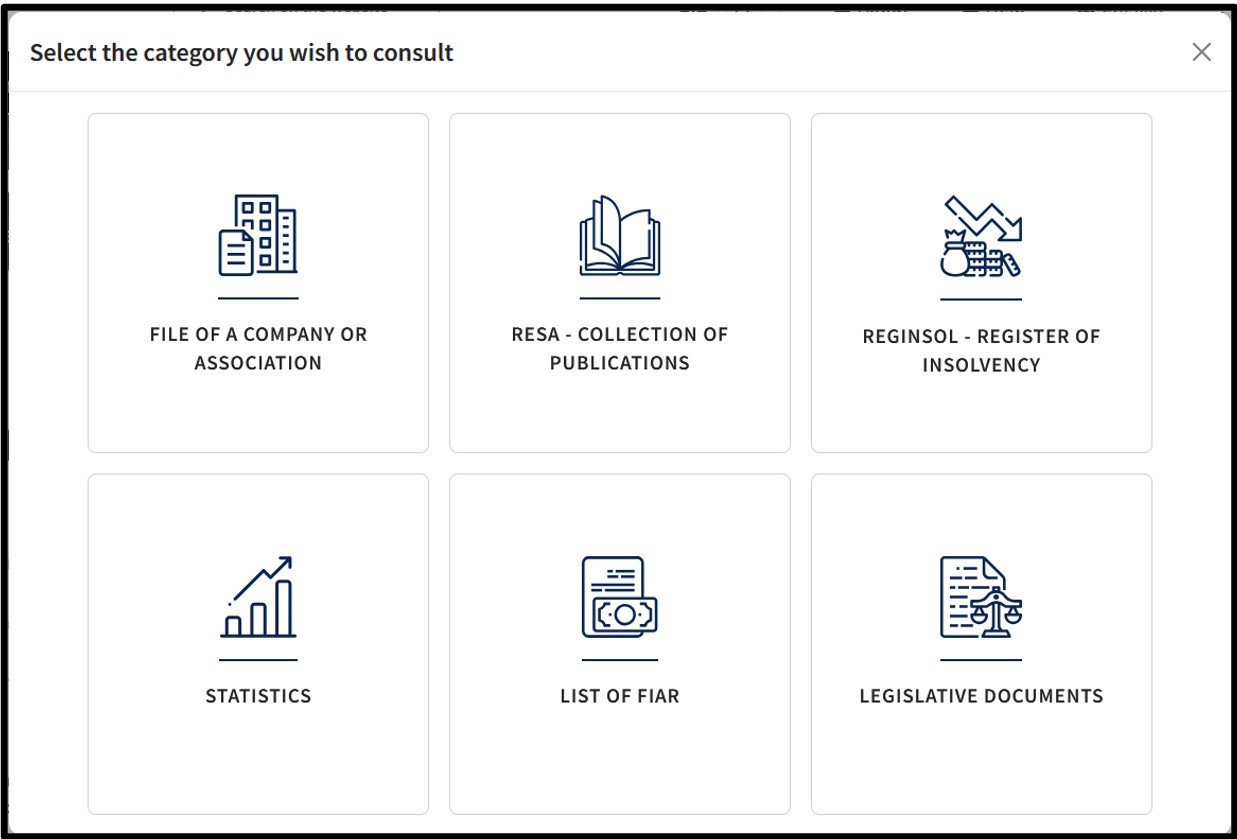
By clicking on the Consult tile, the user accesses a pop-up offering the various available categories of consultation.
The categories available for consultation are as follows:
- File of a company or an association:
Allows the consultation of a company or association's RCS / RBE file.
- RESA - Collection of publications:
Allows consultation of all official legal publications to which companies and associations are legally subject. These publications are issued in the form of a journal published daily on the RESA – “Recueil électronique des sociétés et associations”.
- REGINSOL - Register of insolvency:
Allows consultation of the statements of court rulings and administrative dissolutions without liquidation filed with the RCS.
- Statistics:
Allows the consultation of general figures on the activities of the RCS and the RBE.
- List of FIAR:
Allows consultation of the list of reserved alternative investment funds.
- Legislation:
Allows consultation of the applicable legislation in force, the circulars published by LBR and case law.